Define the brief
Tell us which product you need to explain, who will see it and where the assets will be used. We agree the views, level of detail and deliverables before production.
Industrial product visualization
Let a buyer explore the product, reveal a component or follow a guided explanation. Build an interactive presentation around the questions that arise in real sales conversations.
Discuss your productAn interactive product experience can combine viewpoints, annotations and selected configuration choices. The right solution depends on the device, the source model and the detail the audience needs. We define the interaction and integration scope before building, with readable supporting content and a useful fallback when an advanced experience is unavailable.
01 / What we start with
Start with a product model or CAD and a list of the questions your customers ask. Tell us where the experience will run: a product page, a sales presentation or an exhibition. Configuration logic and integrations are scoped individually.
Product complexity, source-file quality, the number of variants and the required outputs all affect the work. Share a short description first. We can then discuss a suitable starting point without asking you to send confidential CAD through a public form.
Tell us which product you need to explain, who will see it and where the assets will be used. We agree the views, level of detail and deliverables before production.
We review the CAD or reference material, identify missing information and agree how geometry, materials and product details will be checked.
A focused first review establishes the visual direction. We agree the remaining review stages, file formats and usage before preparing the final assets.
Industrial product visualization
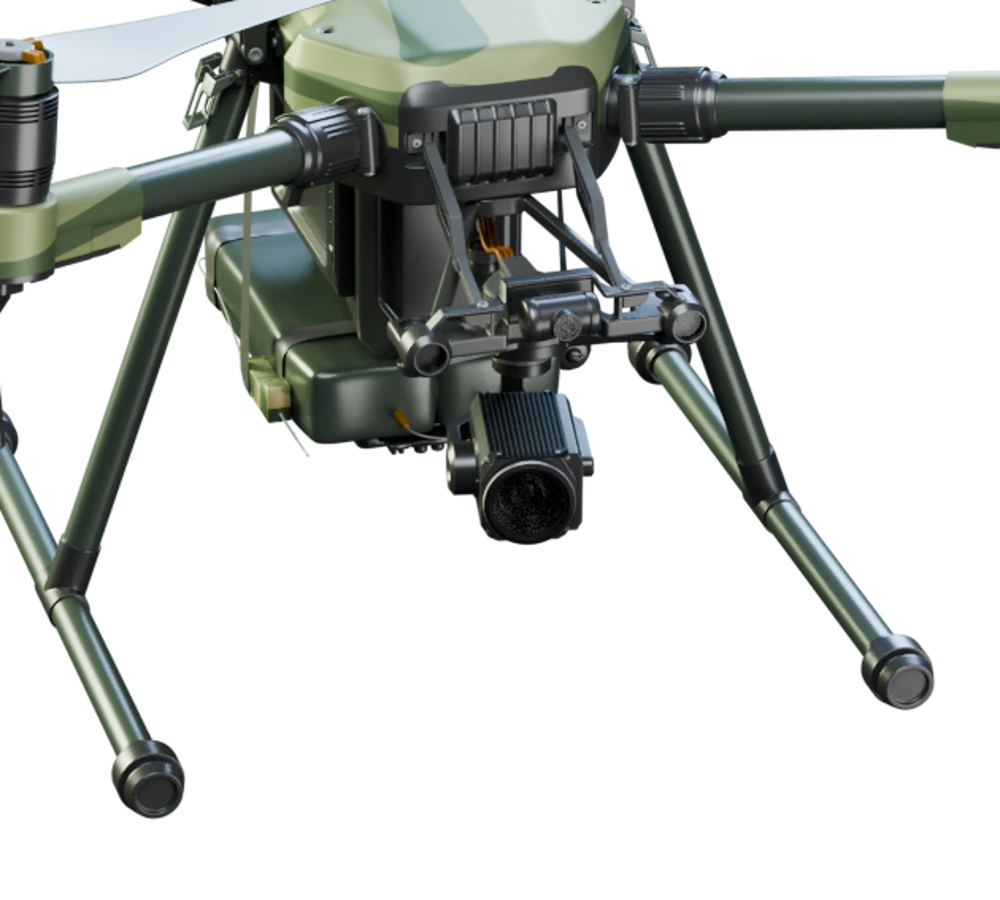
Turn technical product data into photoreal images for launches, catalogs and sales teams. Show the product clearly, even when photographing every configuration is impractical.
02Show how a product is assembled, how it moves or why a hidden detail matters. Use 3D animation to give technical information a clear sequence and purpose.
03Let a buyer explore the product, reveal a component or follow a guided explanation. Build an interactive presentation around the questions that arise in real sales conversations.
Tell us what you want your audience to understand. We can discuss the required assets, your available source material and the next step.
Discuss your product